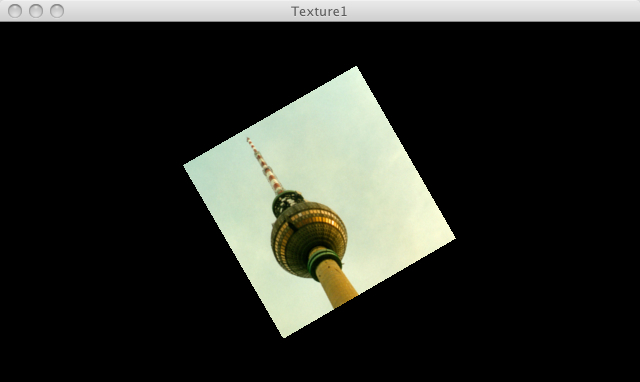
This page demonstrates PJS textures
// Demo from Processing.org
/**
 * Texture 1.
 *
 * Load an image and draw it onto a quad. The texture() function sets
 * the texture image. The vertex() function maps the image to the geometry.
 */

PImage img;

void setup() {
  size(640, 360, P3D);
  img = loadImage("berlin.jpg");
  noStroke();
}

void draw() {
  background(0);
  translate(width / 2, height / 2, 0);
  rotateY(map(mouseX, 0, width, -PI, PI));
  rotateZ(PI/6);
  beginShape();
  texture(img);
  vertex(-100, -100, 0, 0, 0);
  vertex(100, -100, 0, 400, 0);
  vertex(100, 100, 0, 400, 400);
  vertex(-100, 100, 0, 0, 400);
  endShape();
}